How to Make a Payment to Capital Management Services

Flexible Options to Help You Resolve Your Account
At Capital Management Services, we make it easy to take control of your financial obligations. Whether you want to pay online, by phone, by mail, or in person through a payment service, our flexible and secure payment options are designed to meet your needs.
Choose the Payment Method That’s Right for You
We understand that every consumer’s situation is unique. That’s why we offer multiple ways to make a payment—so you can choose the method that’s most convenient for you.

Pay by Phone
Want to speak with someone? Our friendly and knowledgeable representatives are available during business hours to:
- Process payments over the phone
- Assist with payment plan options
- Provide account information
Call Us:
Hours of Operation:

Pay Online
Make a secure payment from any device—anytime. Our ADA-compliant and mobile-friendly portal lets you view your balance, make payments, or schedule future payments.
What You’ll Need:
- Your CMS reference number
- A valid email address to register your account
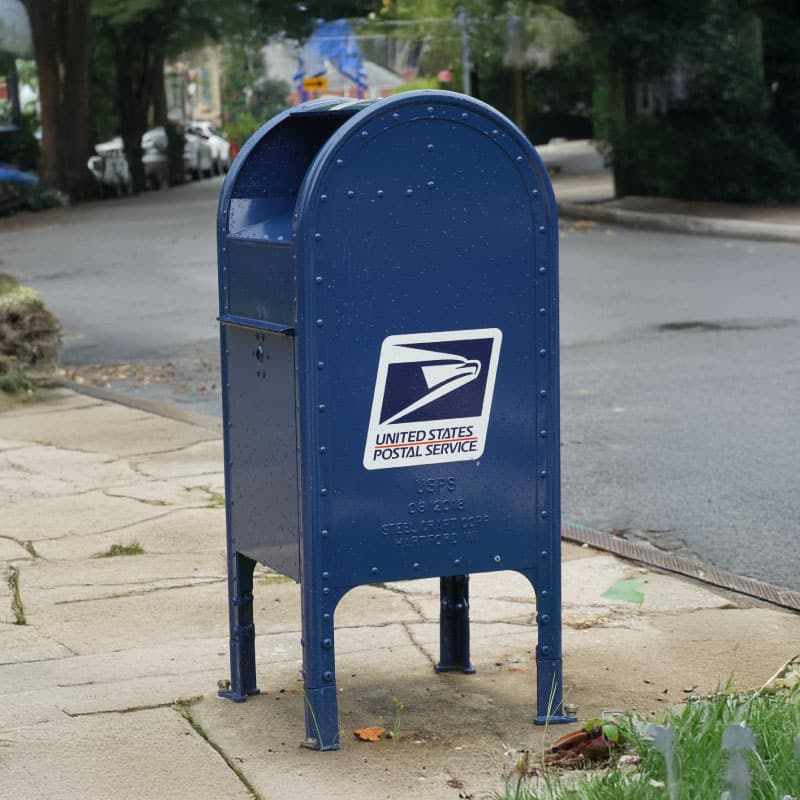
Pay by Mail
Prefer to mail your payment? Send your check or money order to:
Capital Management Services
698 ½ S. Ogden Street
Buffalo, NY 14206
Important:
- Include your account number
- Do not send cash
- Use a secure envelope

Pay via Western Union or MoneyGram
We accept payments through trusted money transfer services. Contact our team to receive your personalized account code before visiting a Western Union or MoneyGram location.
To get your payment code, call:
- 716-871-9050 or 800-457-8220
- TRS Support: Dial 711
Available during business hours.
Questions? We’re Here to Help
Need help understanding your account or payment options? Check out our FAQ page or contact our team by phone, email, or webchat. We’re here to support you on your journey to financial resolution.